Most authors have between three and twelve books. Adding them to your author website one by one is the kind of task that starts with good intentions and ends with you closing the laptop and going for a walk.
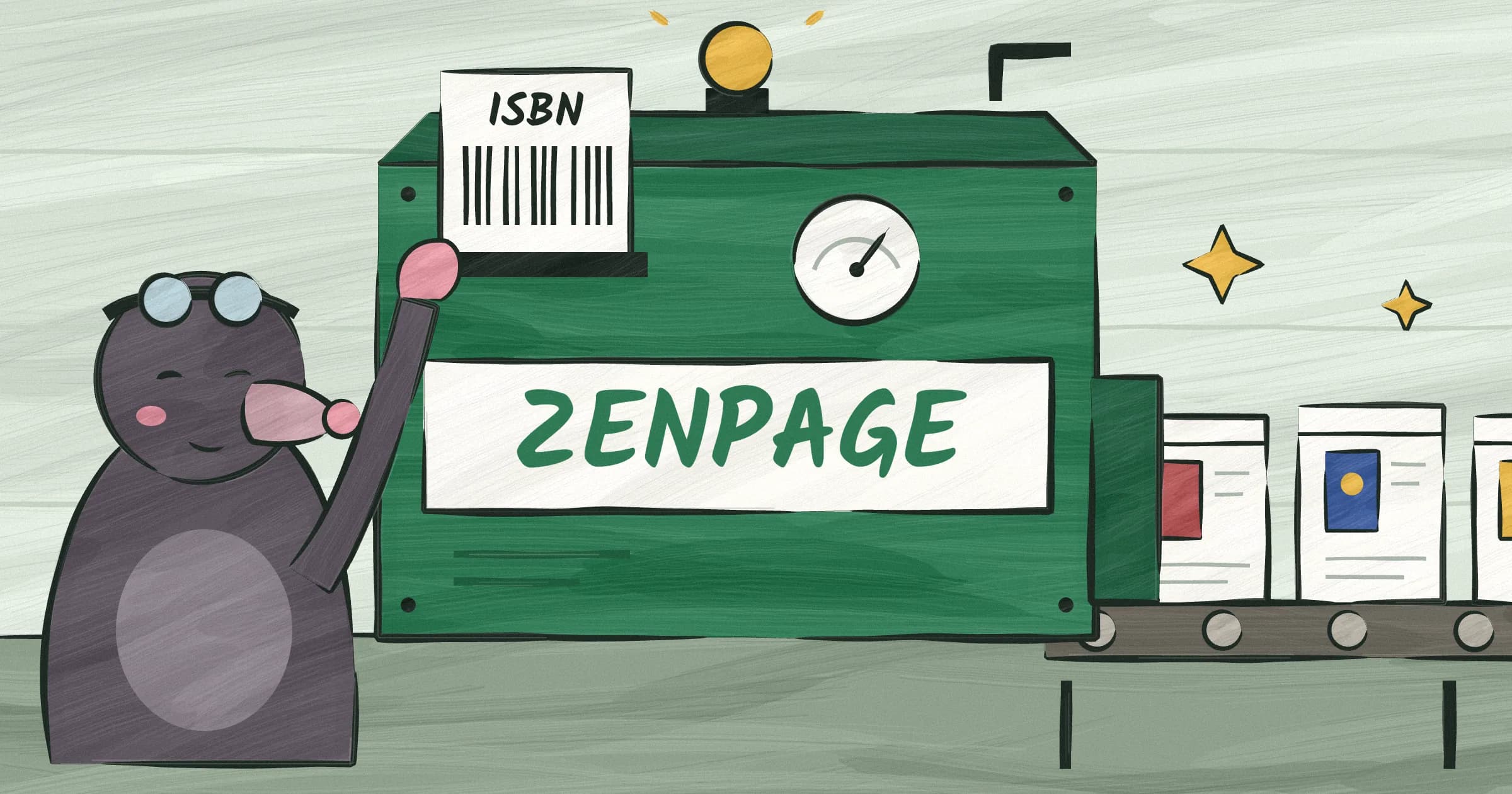
We built something faster. You type one ISBN, and Zenpage pulls your entire catalog. Covers, descriptions, buy links. All of it. Here's how it works and what to expect.
The old way (and why it takes forever)
You know the drill. You go to your publisher's website, download the high-res cover image. Maybe they have one. Maybe they have a 200px thumbnail and nothing else. You right-click, save, hope for the best.
Then you write a description. Not the one from Amazon, because that has weird formatting. Not the one from Goodreads, because someone edited it and now it's wrong. You dig up your original marketing copy from an email you sent your editor in 2019.
Then the links. Amazon, Barnes & Noble, Bookshop.org, Kobo, Apple Books. Each one requires you to search for your book on that retailer's site, copy the URL, paste it in. Some of those URLs are eighty characters long and include tracking parameters you don't want.
Now multiply that by every book you've published. Five books? That's an hour of tedious work. Ten books? You'll lose the afternoon. And you haven't even started on the rest of your website.
This is why so many author websites have a "Books" page with two titles on it and a note that says "more coming soon." It's one of the most common author website mistakes. It never comes soon. The process is soul-crushing enough to do once. Nobody wants to do it again.
The ISBN shortcut
Every published book has an ISBN. It's the 13-digit number on the back cover, above the barcode. And it turns out that one number unlocks everything you need.
Here's how it works in Zenpage. You go to your dashboard, click "Add Books," and enter one ISBN or paste the book's Amazon link. Any of your books, doesn't matter which one. Zenpage finds that book on Amazon, along with the author name on its page.
Then it does something useful. It opens your Amazon author page and reads every book listed there. That is your shelf, not a guess based on your name, so a stranger who shares your name doesn't end up on your site. Covers, descriptions, publishers, publication dates, and purchase links come with it. Paperback and Kindle editions of the same book become one book, not two.
You see a list of your books. You check the ones you want to add. You hit import. Done.
The whole process takes about thirty seconds if you're being careful, fifteen if you're not. You can review everything on your features page before publishing, adjust the order, pick a featured title. But the data entry part is over.
What gets imported (and what you should customize)
The import pulls a lot. But not everything it pulls is what you'll want to keep. Here's the breakdown.
Cover images come from Amazon and are usually the correct, current edition. Occasionally you'll get an older cover if you've had a redesign. You can always swap in your own image after import.
Descriptions are pulled from your Amazon pages, with their paragraphs kept. They're the blurbs you or your publisher wrote for the store, which are fine but written for a store page. If you've got marketing copy you love, the kind that actually sells the book, paste that in instead. Your description is one of the most important pieces of your author website, so it's worth spending two minutes on each one.
Purchase links are auto-generated for major retailers based on the ISBN. Amazon, Barnes & Noble, Bookshop.org, and others. These are clean links that take readers straight to the buy page. But you might want to add a few of your own. Signed copies from your personal store. A direct link to your publisher. An indie bookstore you want to support. The import gives you the foundation. You customize the details.
Publication dates and page counts come over accurately. Genre and category tags are pulled when available, though they're not always complete. You can add your own tags after import.
The rule of thumb: accept the data, then spend five minutes making it yours. The import handles the tedious part. The personal touches are up to you.
What if my book isn't on Amazon?
It happens. Some small-press titles are only sold by the press or at a few shops. A book you haven't released yet won't have a store page at all. And now and then Amazon is slow to answer, and Zenpage looks the ISBN up in public book catalogs instead, which carry fewer self-published titles.
This isn't a problem. You can always add books manually in Zenpage. The manual flow is straightforward. You upload your cover image, write your description, add your buy links, and fill in the metadata. It takes a few minutes per book instead of a few seconds, but it works for any title regardless of where or how it was published.
You can also mix and match. Import your backlist from one ISBN, then manually add the new release that isn't in the stores yet. The books all look the same on your site. Nobody can tell which ones were imported and which were entered by hand.
If you're a debut author with one book, you may still be wondering whether you need a website at all. The manual flow is probably all you need. The ISBN import shines when you have a catalog. But either way, adding a single book to your Zenpage site takes less time than writing a tweet about it.
One more thing. If your book comes in with wrong information, a bad cover or an outdated description, import it anyway and fix the details. It's still faster than starting from scratch.
Each book gets its own page
This is the part most website builders get wrong. They give you a single "Books" page where everything is crammed together. A grid of covers, maybe a sentence per book, and a buy button. It works for browsing, but it's terrible for search engines.
In Zenpage, every book you add gets its own dedicated page with a unique URL. Your thriller gets yoursite.com/books/the-vanishing-season. Your memoir gets yoursite.com/books/everything-i-forgot. Each one is a standalone book information page with its own title, description, cover image, and links. It's the same approach the best author websites of 2026 take: every title gets room to make its case.
This matters for SEO. When someone searches "The Vanishing Season by Jane Doe," Google can serve up your dedicated book page instead of your homepage or, worse, just your Amazon listing. You own that search result. It points to your site, where readers can explore your other work, sign up for your newsletter, and discover books they wouldn't have found on a retailer's product page. That's a big reason why a website beats a Linktree.
It also matters for sharing. When you post a link to a specific book on social media, the preview card shows that book's cover and description. Not a generic homepage screenshot. Not a grid of tiny thumbnails. The actual book, front and center.
Individual book pages also give you room to breathe. You can include a longer description, editorial reviews, a note about the inspiration behind the story, or even a sample chapter link. Good author website design gives each title the space it deserves. The books page on your site gives the overview. The individual pages give the full picture.
Most authors don't think about this until they realize their books aren't showing up in search results. By then they've been leaving traffic on the table for months. Zenpage handles the page structure automatically. You just add the books.
That's the whole workflow. One ISBN, your full catalog, individual pages for every title. The setup that used to take an afternoon now takes less time than making coffee.
Try it yourself, enter your ISBN and watch it work. Get started on Zenpage for free. Pick a template, add your ISBN, write a short author bio, and your site is live in minutes. Check out our pricing if you're curious, but the core features are completely free.