Most SEO advice is written for businesses trying to rank for competitive keywords. "Best running shoes." "CRM software for startups." "Italian restaurants near me." Authors don't have that problem. You have a much simpler one, and almost nobody talks about it correctly.
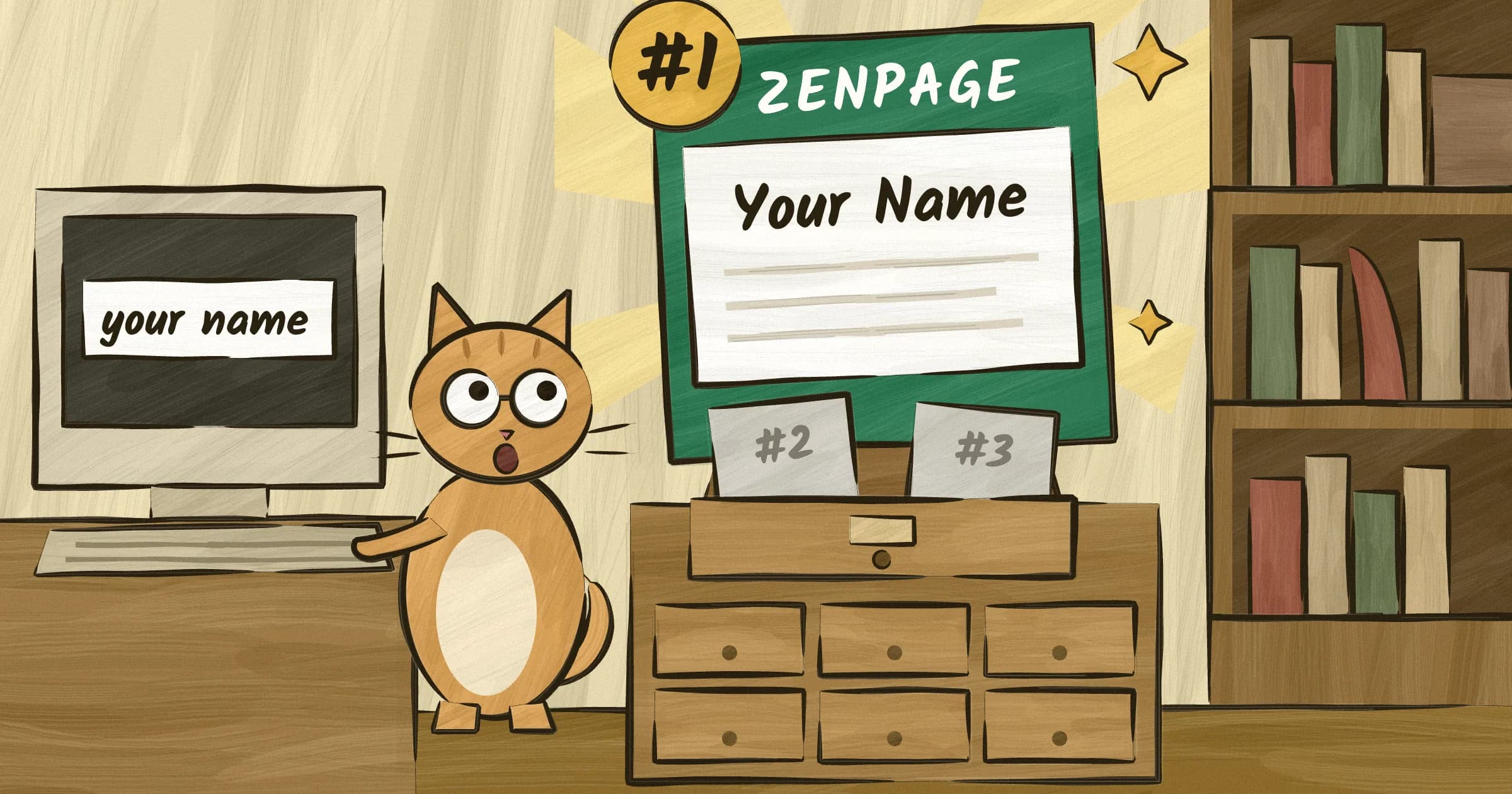
When a reader types your name into Google, your website should show up first. Before Amazon. Before Goodreads. Before a random BookTok video someone posted in 2024. That's the entire game for 95% of authors.
The good news: it's not hard. The bad news: most author websites get it wrong by default, not because the authors did something wrong, but because the tools they used didn't bother getting it right.
The only SEO goal that matters for most authors
You're not competing for "best fiction books 2026." You're not trying to outrank the New York Times book review section. You're competing for your own name.
When someone Googles "Jane Smith author," your website should be the first non-Amazon result. That's it. That's the goal. Everything else is a bonus.
This is actually great news, because ranking for your own name is one of the easiest things to do in SEO. Almost nobody else is trying to rank for your name. Your competition is Amazon product pages (which Google treats as commercial listings, not personal sites), a Goodreads profile you haven't updated since 2021, and maybe a LinkedIn page from the other Jane Smith who works in accounting.
A properly set up author website will beat all of those within a few weeks to a few months. You don't need backlinks from the New York Times. You don't need to hire an SEO consultant. You need a website that does the basics right. If you're comparing tools, our author website builder comparison covers which ones handle SEO well out of the box.
If you're still on the fence about whether you need a site at all, we've written about that separately. Short answer: yes.
How Google decides what to show
Google sends automated programs called crawlers to visit your website. They read your pages, follow your links, and try to understand what each page is about. Then, when someone searches for something, Google decides which pages are the best match and shows them in order.
For author websites, the factors that matter most are straightforward.
Page titles and descriptions. When Google shows your site in search results, it pulls the title and a short description from your page. If those say "Jane Smith, Author of The Vanishing Season," Google knows exactly what the page is about. If they say "Home" or "Welcome to my website," Google has to guess. Google doesn't like guessing.
Page speed. If your site takes four seconds to load, Google ranks it lower. Readers also leave. Both of these are bad.
Mobile-friendliness. More than half of all Google searches happen on phones. If your site doesn't work on a phone, Google pushes it down in results. It's been this way since 2019.
Content relevance. Google looks at the actual text on your pages. If your name, book titles, and genre appear naturally throughout your site, Google connects the dots. If your site is mostly images with no text, Google has very little to work with.
Links from other sites. When other websites link to yours, Google treats it as a vote of confidence. Your publisher's website, your Amazon Author Central page, your social media profiles. Each link tells Google that your site is real and worth showing to people.
None of this requires technical knowledge. Most of it should be handled by whatever tool you use to build your site. The problem is that most tools don't.
The 7 things your website needs for good SEO
This is the practical part. Seven things, each explained in plain English. For each one, I'll tell you whether you need to do it yourself or whether Zenpage handles it for you.
Clean title tags
The title tag is what shows up in the browser tab and in Google search results. For an author website, your homepage title should be something like "Jane Smith | Author of Literary Thrillers" and each book page should be "The Vanishing Season by Jane Smith."
Why it matters: This is the single most important on-page SEO factor. It tells Google exactly what the page is about. A page titled "Home" tells Google nothing. A page titled "Jane Smith, Author" tells Google everything.
Zenpage handles this automatically. Your homepage title is generated from your name and genre. Each book page uses the book title and your name. You don't need to touch anything.
Meta descriptions
The meta description is the two-line snippet that appears below your title in Google search results. It doesn't directly affect rankings, but it affects whether people click. A good meta description is a 150-character pitch for why someone should visit your page.
Why it matters: A compelling description gets more clicks. More clicks tell Google your result is relevant. Google shows it more. It's a virtuous cycle.
Zenpage generates meta descriptions from your bio and book descriptions. If you've written a good bio and good book descriptions, your meta descriptions are already handled. No extra work needed. You can see more about what's included automatically on our features page.
Fast page loads
Your website should load in under two seconds. Ideally under one. Every extra second costs you readers and search rankings.
Why it matters: Google has used page speed as a ranking factor since 2018. But more importantly, readers leave slow sites. A study by Google found that 53% of mobile visitors abandon a page that takes longer than three seconds to load. Your beautiful author website is useless if nobody waits for it to appear.
The biggest speed killers on author websites are unoptimized images (a 5MB cover photo that should be 200KB) and bloated page builders that load 47 JavaScript files before showing a single word. Slow loading is also one of the top mistakes that make readers leave.
Zenpage handles this automatically. All images are compressed and converted to WebP format on upload. Pages are server-rendered and cached. Typical load times are under 500 milliseconds.
Mobile-responsive design
Your website needs to look good and work properly on phones. Not "acceptable on phones." Actually good.
Why it matters: Google uses mobile-first indexing, which means it evaluates the mobile version of your site first when deciding rankings. If your site is hard to read on a phone, with tiny text, horizontal scrolling, or buttons too small to tap, Google treats it as a lower-quality page.
Zenpage handles this automatically. Every template is designed mobile-first. Text scales properly, images resize, and navigation works on any screen size. You don't need to check anything or toggle any settings.
Sitemap
A sitemap is an XML file that lists every page on your website. It's like a table of contents for Google's crawlers. You never see it. Google's bots use it to find and index all your pages faster.
Why it matters: Without a sitemap, Google has to discover your pages by following links. This works eventually, but it's slower. A sitemap says "here are all my pages, go index them." New pages get picked up faster, which matters when you publish a new book or blog post.
Zenpage generates and updates your sitemap automatically whenever you add a book, publish a blog post, or make changes to your site. You never need to think about it.
Individual book pages
Each of your books should have its own page with its own URL. Not a single "Books" page with all your titles crammed together. Individual pages.
Why it matters: When someone Googles "The Vanishing Season Jane Smith," Google needs a dedicated page to show them. If all your books are on one page, Google has to send people to a long scrolling page and hope they find the right section. A dedicated page for each book means Google can send people directly to what they're looking for.
Each book page should have the title, cover image, a unique description (more on this later), and buy links. You can even import your catalog with a single ISBN to get individual pages set up in seconds. This is also part of the author website checklist if you want the full rundown.
Zenpage creates individual pages for each book automatically. When you add a book, it gets its own URL, its own title tag, its own meta description, and its own spot in your sitemap.
A blog
A blog is the one thing on this list that requires ongoing effort from you. Everything else is set-and-forget. A blog is not. But it's worth it.
Why it matters: A static five-page website will eventually plateau in search rankings. Google favors sites that publish fresh content because it signals the site is active and maintained. A blog gives Google a reason to keep coming back.
You don't need to post every week. Once or twice a month is plenty if the posts are substantive. Write about your genre, your writing process, books you're reading, events you attended. Each post is a new page that can rank for new search terms. Over time, your blog becomes a net that catches readers searching for topics related to your work, not just your name.
Zenpage includes a built-in markdown blog. Write your post, hit publish, and it's live with proper title tags, meta descriptions, and a spot in your sitemap. No plugins, no configuration, no separate blogging platform.
What you can do to help (the 20% that's on you)
Zenpage handles the technical side. But there's a chunk of SEO that only you can do, because it's about the actual content on your site.
Write a real bio. Not just your name and genre. We have a full guide on how to write an author bio for your website. Write three to four sentences about who you are, what you write, and why someone should care. Include your location if you're comfortable with it. Mention specific genres and themes. "Sarah Chen writes atmospheric mysteries set in the Pacific Northwest" is better for SEO than "Sarah Chen is an author" because it gives Google more to work with.
Make your book descriptions unique. Don't copy-paste the description from Amazon. Google treats duplicate content as low-value. Write a version of your book description that's specific to your site. It doesn't need to be wildly different. Rephrase it, add a line about what inspired the book, include a pull quote from a review. Just make it yours.
Blog occasionally. I know I said this already. I'm saying it again because it matters. You don't need to love blogging. You need to publish one post a month that's longer than three paragraphs and about something related to your writing life. That's the bar.
Link to your website from everywhere. This is also why a full website beats a Linktree. Your Instagram bio. Your Twitter/X bio. Your Amazon Author Central page. Your Goodreads profile. Your publisher's author page. Your email signature. Every link from an established platform to your website is a signal to Google that your site is legitimate. This is the easiest, highest-impact thing you can do, and most authors forget to do it.
Update your Amazon Author Central page specifically. It lets you add a website URL that Amazon displays on your author profile. That's a link from one of the highest-authority domains on the internet pointing to your website. Free, takes two minutes, and most authors haven't done it.
What you can ignore
SEO has a reputation for being complicated because an entire industry profits from making it seem complicated. For author websites, most of that complexity is irrelevant. Here's what you can safely ignore.
Keyword density. The idea that you need to mention a specific keyword exactly 3.7% of the time is from 2009. Write naturally. Google is smart enough to understand what your page is about without you stuffing "mystery author" into every other sentence.
Backlink schemes. Paying for links, doing link exchanges, submitting your site to 200 directories. None of this works anymore, and some of it can actively hurt your rankings. The only links that matter are natural ones from real sites, like your publisher, your social profiles, and any press coverage you get.
SEO plugins with 47 settings. If you've ever used WordPress, you've seen Yoast or RankMath with their traffic-light systems and 30-field configuration pages. Our author website builder comparison breaks down which platforms overload you with settings and which keep it simple. Authors don't need any of that. You need correct title tags, meta descriptions, and a sitemap. That's it. Zenpage does all three without asking you to configure anything.
Schema markup. This is the structured data (JSON-LD) that helps Google understand your content in a more detailed way. It's useful, but you should never have to write it yourself. Zenpage generates JSON-LD automatically for your author profile, books, and blog posts.
Meta keywords. Google stopped using the meta keywords tag in 2009. If someone tells you to add keywords to your meta tags, they're giving you advice from the Bush administration.
AMP pages. Google no longer requires AMP for mobile search features. Your regular mobile-responsive pages are fine. This hasn't been relevant since 2021, but some outdated guides still recommend it.
The pattern here is simple. If an SEO tactic requires you to install a plugin, pay someone, or spend more than five minutes configuring something, it's probably not worth your time as an author. The fundamentals, titles, descriptions, speed, mobile, sitemap, fresh content, outweigh everything else by a wide margin.
Your SEO is handled. Just focus on writing.
Your website should work for you in the background. When a reader Googles your name, your site should show up. When a publisher searches for you, your site should look professional. When Google crawls your pages, everything should be fast, clean, and properly labeled.
Zenpage handles the technical SEO so you can spend your time on the two things that actually matter: writing books and telling people about them. The title tags, meta descriptions, sitemaps, page speed, mobile optimization, and structured data are all built in. No plugins to install. No settings to configure. No SEO consultants to hire. You can see the full list of what's built in on our features page.
The 20% that's on you is the fun part anyway. Write a good bio. Describe your books in your own words. Blog when you have something to say. Link to your site from your social profiles. That's the entire SEO strategy for most authors, and it works.
Check our pricing for details, or just dive in. Create your free author website on Zenpage →