If you've already decided you need an author website, the next question is what goes on it. (If you haven't decided yet, our website vs Linktree comparison might help settle it.) And this is where most authors either overthink it or underthink it. They end up with twelve blank pages and no content, or a single homepage that tries to be everything at once.
Neither works. An author website has a specific job: help readers find your books, learn about you, and stay in touch. That's it. Every page should serve one of those goals. If it doesn't, cut it.
We looked at dozens of author websites, from debut novelists to NYT bestsellers (including the three standout examples we profiled here), and the pattern is clear. The good ones all have the same core pages. The bad ones all have the same unnecessary ones. This checklist covers both.
Here's the full author website checklist, page by page.
The pages every author website needs
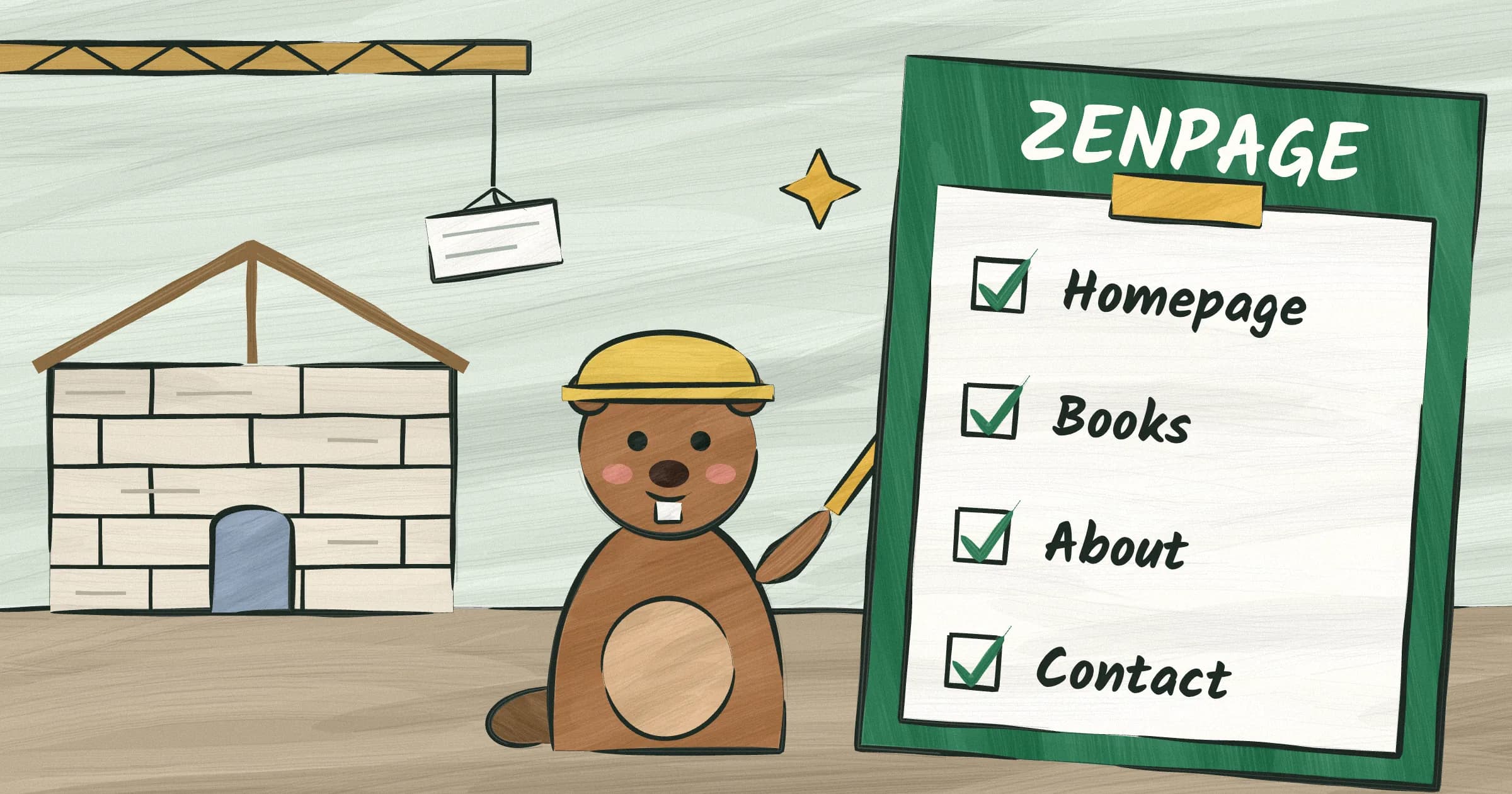
Six pages. That's the magic number for most authors. Some of you need five. A few of you need seven. Nobody needs fifteen.
Homepage
Your homepage is a lobby, not a warehouse. A reader lands here and needs to understand three things in under five seconds: who you are, what you write, and what to do next.
What to include: Your name (big, obvious, not buried in a logo). Your latest or best-known book with its cover image, a one-line hook, and a buy link. A newsletter signup. A one-sentence bio that tells people what genre you write in.
What to skip: a carousel cycling through fifteen things. Auto-playing video. A 400-word bio about growing up in Ohio. Your homepage is a doorway, not a destination. Get people through it.
A good homepage example: "Jane Doe writes literary thrillers set in the Pacific Northwest. Her latest novel, The Vanishing Season, is available now." Cover image. Buy button. Newsletter signup. Done.
Browse Zenpage's templates to see what this looks like in practice. Every template puts your book front and center on the homepage, because that's what readers came for.
Books page
This is the most important page on your site. It's where readers decide whether to buy your work.
Each book gets its own section, or its own sub-page if you have more than four or five titles. If you have ISBNs, some builders like Zenpage can auto-import your book data so you skip the manual entry entirely. For every book, include: the cover image (high resolution, not a blurry scan), the back-cover description (two to three paragraphs, not a 500-word synopsis that spoils the plot), and buy links to every major retailer. Amazon, Barnes & Noble, Bookshop.org, IndieBound, your publisher's page. Don't make the reader hunt for their preferred store.
If you write a series, show the reading order. Numbering them isn't enough. Put them in a visual row or list with clear labels: Book 1, Book 2, Book 3. Readers who discover you mid-series will thank you.
One more thing: make your buy links actual buttons, not plain text links. A reader who's decided to buy your book should not have to squint at a list of hyperlinked retailer names in 14px font. Big, obvious buttons. One per retailer. This is the highest-value click on your entire site, so make it easy.
What to leave off: reviews (put those on the individual book page as pull quotes, not on a separate reviews page), long author commentary about what inspired you (save that for your blog), and buy links to retailers that don't carry your book.
About page
Readers want to know who wrote the thing they just read. Industry professionals want a bio they can copy-paste into a press release. Your About page needs to serve both audiences.
Include two versions of your bio. A short one, two to three sentences, written in third person, formatted so a journalist or event organizer can grab it and use it immediately. And a longer one, first person, conversational, for readers who want to feel like they know you. The short bio goes first. If you need help writing either version, we have a full author bio writing guide.
A professional headshot. Not a vacation photo. Not a selfie. It doesn't need to be expensive, but it does need to be a real photo with decent lighting where you look like a person someone would want to read. Publishers, podcasters, and event coordinators all need this.
Contact info, or a clear link to your contact page. Don't make people dig for it.
What to skip: your complete CV, a timeline of every job you've had since college, a list of every conference you've attended. Your About page is not a resume. For more on how your website design choices affect first impressions, read our design principles guide.
Blog (optional but recommended)
You don't need a blog. But if you're willing to post once a month, it's the single best thing you can do for your website's search visibility.
Here's why, and we go deeper in our author website SEO guide. Google ranks websites higher when they have fresh, relevant content. A static five-page site will eventually plateau in search rankings. A site with a blog that publishes monthly gives Google a reason to keep crawling your pages and ranking them for new search terms. Write about your genre, your writing process, your reading life, what you're working on. You don't need to be a great essayist. You need to be specific and consistent.
Once a month is plenty if the posts are actually good. Don't publish filler twice a week. One genuine, useful post every four weeks will outperform a dozen "Happy Monday, here's what I'm reading" updates.
What to write about: the themes in your genre, your research process, books you're reading, events you attended, questions readers ask you. What to skip: daily journal entries, political hot takes, posts that have nothing to do with your writing life.
Zenpage includes a markdown blog with every site, so you can write and publish posts without touching any code. Write in markdown, hit publish, done. No WordPress plugins, no CMS configuration, no fighting with a rich text editor that reformats your paragraphs every time you paste from Google Docs.
Events page
If you do any public appearances at all, readings, signings, virtual events, conference panels, you need a place to list them.
For each event, include: the event name, the date, the location (with a city name, not just a venue name nobody recognizes), and a link to RSVP or buy tickets. If it's a virtual event, say so explicitly and include the registration link.
Past events should disappear automatically so your page doesn't look like a graveyard of things that happened in 2024. Zenpage auto-archives past events for exactly this reason. If your site builder doesn't do this, you'll need to manually remove old events, and you won't.
What to skip: events you're attending as a guest but not appearing at. Nobody needs to know you're going to BookCon to browse the vendor hall.
Contact page
Make it easy for people to reach you. A simple contact form or a visible email address. That's the whole page.
If you use a form, keep it to three fields: name, email, message. Don't add a dropdown menu for "reason for contacting" with twelve options. Don't require a phone number. Don't add a CAPTCHA so aggressive that real humans can't get through it.
Include links to your social media profiles here. Twitter, Instagram, Bluesky, Threads, wherever you actually post. This is a better home for social links than scattering icons across every page.
What to skip: your mailing address (unless you want fan mail, in which case get a PO Box). A FAQ section (put that on its own page if you truly need one, but you probably don't).
Pages you probably don't need
Here's where authors over-build. Every unnecessary page is a page you have to maintain, a page that dilutes your navigation, and a page that gives readers one more reason to bounce.
A separate "Media Kit" page. Put your press bio, headshot, and book covers on your About page. Journalists don't want to click through to a dedicated media kit page. They want to grab your photo and bio and get out. Make that easy on your About page and you've saved everyone a click.
A "Reviews" page. Collecting reviews in one place sounds nice, but nobody visits it. Put your best two or three review quotes on each book's page, where they actually influence a purchase decision. A standalone reviews page is a trophy case nobody walks past.
A "Links" page. Your website IS the link. If someone asks where to find you online, you send them to your website, which already has your books, your bio, your contact info, and your social links. A Linktree-style page on your own site is redundant. You're not linking out to your own pages from your own pages.
A "FAQ" page. Unless you're getting hundreds of emails a month asking the same questions, you don't need this. Answer common questions in your bio, on your book pages, or in blog posts. A FAQ page with four questions on it looks sparse and raises more questions than it answers.
The one thing authors always forget
Newsletter signup. Every author knows they should have one. Almost no one puts it where it matters.
A newsletter signup form should be on every page of your site. Not buried on a dedicated "Newsletter" page that nobody navigates to. Not hidden at the bottom of your About page. On every page. In the sidebar, in the footer, at the end of every blog post. Wherever a reader thinks "I like this person's writing," there should be a way to subscribe.
Your email list is the most valuable asset your website can build. More valuable than traffic numbers, social followers, or even book sales in the short term. A reader who joins your list is a reader who will hear about your next book the day it launches, without relying on Amazon's algorithm, Instagram's feed, or any other platform you don't control.
Zenpage has built-in integration with Mailchimp, Kit (ConvertKit), Substack, Beehiiv, Brevo, and MailerLite. It's a real API integration, not just an embed code. Pick your provider, paste your API key, test the connection, and the signup form appears on your site. No plugins to install, no code to write, no third-party form builders to configure.
If you take one thing from this checklist, take this: put the signup form everywhere, and do it before you launch.
Build it
That's the full author website checklist. Six core pages, a few you can skip, and one feature that ties the whole thing together. Before you launch, you might also want to skim our list of common author website mistakes to make sure you're not tripping over something obvious.
If this feels like a lot, it's not. Most of the work is writing your bio and your book descriptions, and you've already done that in some form for your Amazon listing or your query letter. The rest is just putting it in the right place.
You don't need to hire a designer. You don't need to learn HTML. You don't need to spend a weekend watching YouTube tutorials about Squarespace. If you want help picking the right platform, our author website builders comparison breaks down the options. You need to sit down for 15 minutes with your book info and your bio, and put them where readers can find them.
Check our pricing page to see what free actually looks like, or build your site with all of this included, free, in 15 minutes.