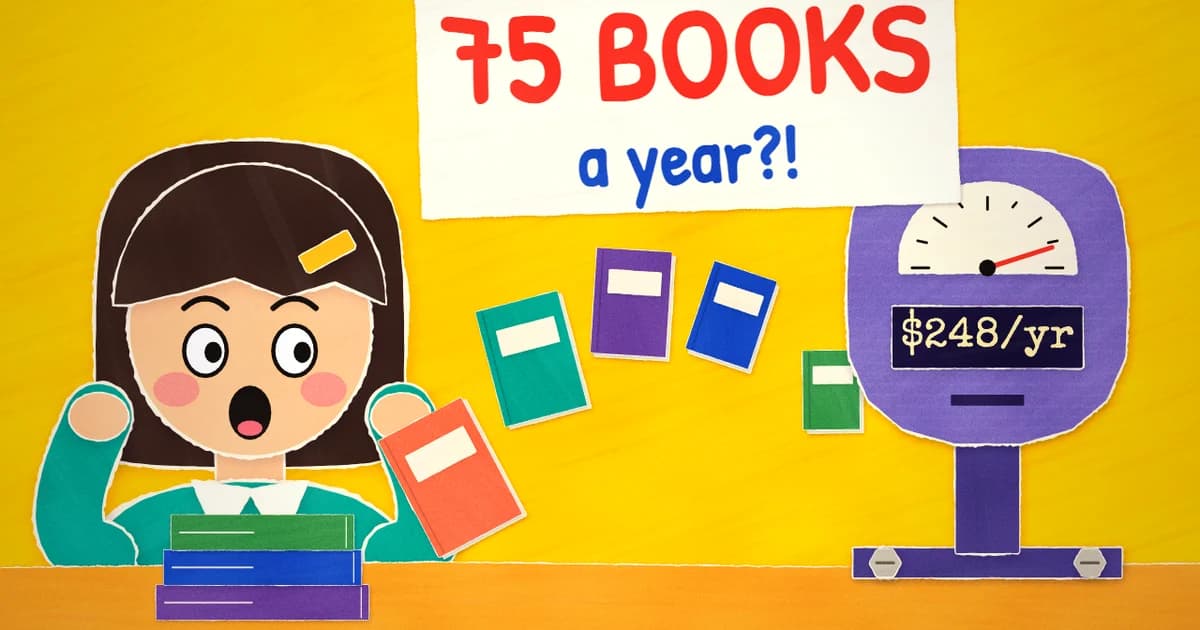
Here's what we'd tell a friend: pick something free or cheap, get your site live this week, and see if it moves the needle on book sales or newsletter signups. Don't spend three weekends comparing platforms. Read this instead.
We're Zenpage, so we're not neutral. We make a free website builder for authors and we'd like you to use it. But this page shows real renewal prices and real tradeoffs, including where other tools beat ours, so you can make up your own mind. If you're not sure you need a site at all, start with why authors need a website.
The short version
| Builder | Made for authors | Year 1 | Every year after | 5-year total | Sells books from your site |
|---|---|---|---|---|---|
| Zenpage | Yes | $0 | $0, or ~$11 with a domain | $0 to ~$55 | Yes, ebooks, audiobooks and print, no commission |
| BookBub Author Websites (Free) | Yes | $0 | $0, or ~$11 with a domain | $0 to ~$55 | No |
| BookBub Author Websites (Pro) | Yes | ~$96 | ~$111 | ~$540 | No |
| Tertulia Basic | Yes | ~$96 | ~$111 | ~$540 | No, selling needs Pro |
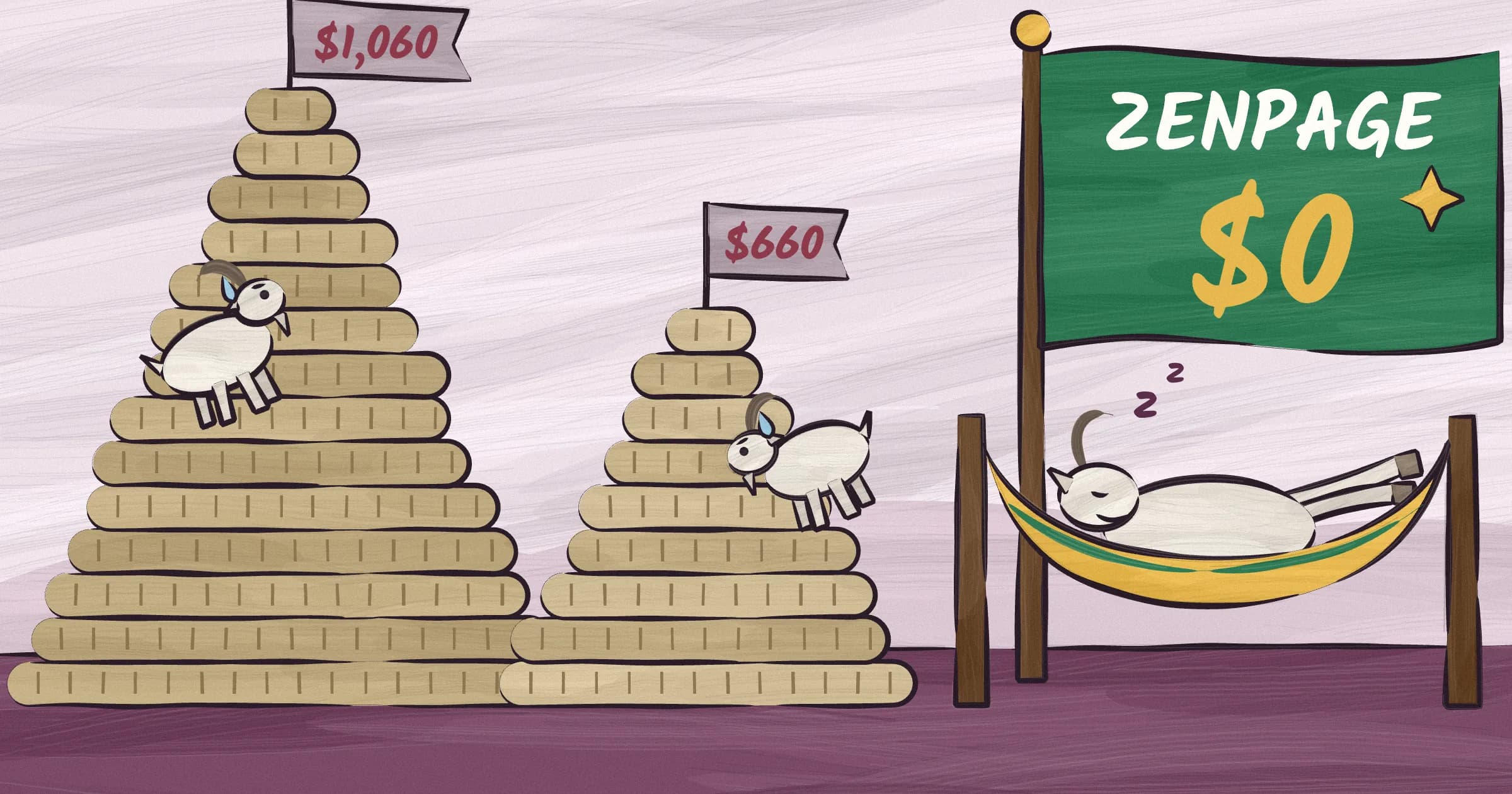
| Tertulia Pro | Yes | ~$192 | ~$207 | ~$1,020 | Yes |
| WordPress.com Personal | No | ~$48 | ~$60 | ~$290 | No, payments start on Premium |
| Wix Light | No | ~$204 | ~$225 | ~$1,105 | No, selling needs Core |
| Wix Core | No | ~$348 | ~$369 | ~$1,825 | Yes |
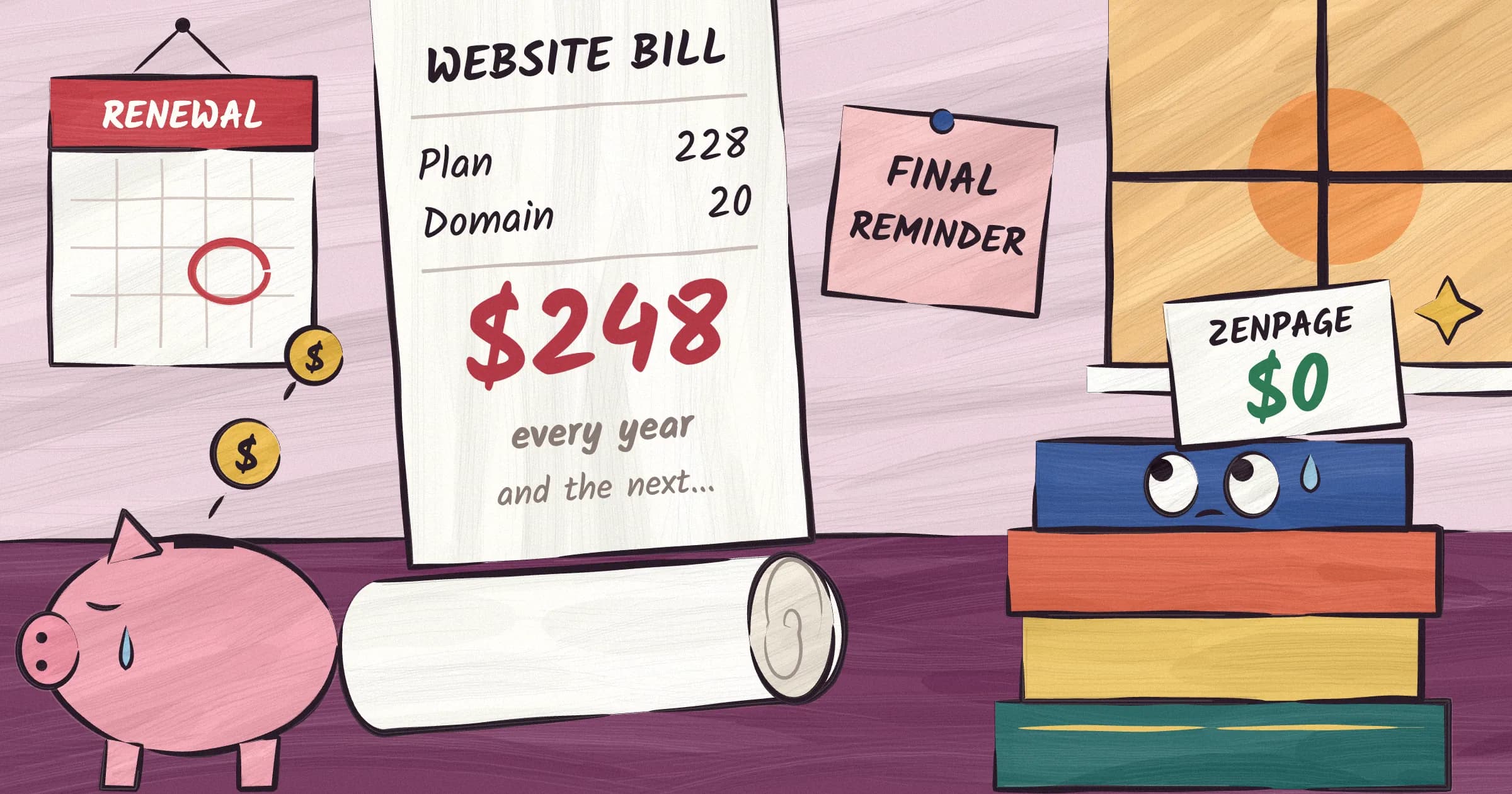
| Squarespace Basic | No | ~$228 | ~$248 | ~$1,220 | Yes, with a 2% fee |
| Self-hosted WordPress | No | varies | ~$150-1,000 | ~$750-5,000 | Yes, with plugins |
| Freelance designer | No | ~$1,000-1,650 | hosting and updates | $1,500+ | Depends on the build |
Prices are US prices on yearly billing, checked in September 2026, with a .com domain where the plan needs one. Most plans include the domain free for the first year, then renew it at $15 to $21. At an at-cost registrar like Cloudflare, a .com is about $11. Month-to-month billing always costs more. Squarespace Basic, for example, goes from $228 a year to $300.
And the picks, by situation:
- You want it free, and you want to sell books from your own site. Zenpage.
- You want to write and send your newsletter from the same place as your site, and you don't need to sell direct. BookBub's free plan.
- You want a polished, paid author platform with a well-reviewed support team. Tertulia.
- You want to design every pixel, or your site does more than books. Squarespace or Wix.
- You enjoy running software and want unlimited plugins. Self-hosted WordPress.
- You have one book and want one page, nothing more. Carrd, or any free builder above.
The rest of this page explains the numbers.
How we compared them
We looked at four author platforms (Zenpage, BookBub Author Websites, Tertulia, PubSite), the general builders authors use most (Squarespace, Wix, WordPress.com and self-hosted WordPress), the free options people find first, and hiring a freelancer. Prices come from each platform's pricing page in September 2026. Wix and Squarespace show local prices by country, so for those we used the US prices independent reviewers report.
What we measured:
The price you keep paying. Not the intro rate. Year one is designed to get you in the door. Year two is the price you pay for as long as you want to exist online, so that's the column that matters. We wrote a whole post on what an author website really costs, next to what authors actually earn.
Time to a finished site. How long a non-technical author takes to go from sign-up to a live site with every book on it. Not how long it takes in the demo video.
Author features. Book pages with covers, descriptions and buy links. Series in reading order. Book import from an ISBN or an Amazon link. Events. General builders have none of these as features, so you build them by hand from generic blocks.
Selling direct. Selling ebooks from your own site is the best margin in publishing. Some plans can't sell at all, some take a cut, and some need a pricier tier.
Reader signups. Can a reader join your list from any page? Does the builder deliver a free reader magnet, or do you pay extra for that?
SEO and speed. Meta tags, a sitemap, structured data for books, clean URLs and fast pages, without plugins or tutorials. See our author website SEO guide for why this matters.
Lock-in. Can you take your domain and your words with you when you leave?
Author website builders
These are built for writers. Books are the core data, not a page you assemble from image blocks, so setup takes minutes instead of weekends.
Zenpage
Full disclosure: this is us.
What it is. A free website builder made only for authors. Paste one Amazon link or ISBN, and Zenpage finds the rest of your books with their covers, descriptions and buy links. Pick one of eight templates, each with four to six color schemes, add your bio and publish. Most authors are live in about 15 minutes.
What it costs. Nothing. There is no paid plan and you never enter a card. Your site lives at yourname.zenpage.io, or on your own domain for about $11 a year at Cloudflare. Connecting it is free.
What you get. Book pages with series and praise quotes, a blog, events, an about and contact page, and structured data Google reads. You can sell ebooks, audiobooks and print copies from your own site through your own Stripe account, and Zenpage takes no commission. Every site collects reader emails with a free gift, like a first chapter, and syncs them to Mailchimp, Kit, Beehiiv, Brevo or MailerLite. Stats are cookieless, so readers never see a cookie banner. No ads. The small "Powered by Zenpage" footer link can be turned off.
What it doesn't do. No drag-and-drop editor: each template has a fixed layout, which is why sites look finished on day one, but you can't move every element. Eight templates is far fewer than Wix's thousand. Zenpage collects readers but doesn't send newsletters, so you write and send from your email provider. To stop stolen cards, selling opens seven days after you sign up. And we're newer than everyone else on this page.
Best for. Authors who want a professional site and direct sales without a subscription. Debut authors especially, because the cost of entry is zero.
BookBub Author Websites
What it is. The website builder from BookBub, the book-deal newsletter. It's the closest thing to Zenpage: made for authors, with a free plan.
What it costs. The free plan has three templates, an author-pages.com address or your own domain, and up to 1,000 emails a month. Pro is $7.99 a month billed yearly ($95.88), or $9.99 month to month, and adds reader gifts, series pages, events, analytics and more templates. A domain bought through BookBub is free the first year on yearly Pro, then $15.
Where it wins. You write and send your newsletter from the same dashboard as your site, and the BookBub name carries weight with readers.
Where it falls short. No plan can sell books from your site. There's no store or checkout, so every sale goes out to a retailer. Reader magnets, series pages and events need Pro. Our BookBub Author Websites comparison goes through it line by line.
Tertulia
What it is. An author website platform owned by Ingram. It imports your books and reviews, and its support team gets strong reviews.
What it costs. Basic is $7.99 a month billed yearly ($95.88), or $9.99 month to month. Pro is $15.99 a month billed yearly ($191.88), or $19.99 month to month. A domain is free the first year on yearly plans, then $15. There's a 14-day trial.
Where it wins. Polished author templates, automatic imports, newsletter sending built in, and a support team with 4.8 stars on Trustpilot.
Where it falls short. It's a subscription forever, and selling books from your site needs Pro, which is about $1,000 over five years. Plans renew automatically and aren't refunded. See our Tertulia alternative page for the full comparison, and for how to move a Tertulia site in about a minute.
PubSite
What it is. A long-running author website service, popular with traditionally published authors.
What it costs. About $20 a month, or roughly $255 a year with a domain.
Where it wins and falls short. It's built around books, and it's been around for years. But at $20 a month it costs more than Squarespace Basic, for a narrower tool.
General website builders
These build any kind of site: restaurants, dentists, photographers, authors. That freedom is real, and so is the cost. None of them has an "add a book" button, so you build every book page by hand, and you pay business prices for a site that earns author money.
Squarespace
What it costs. Basic is $19 a month billed yearly ($228), Core $29 ($348) and Plus $49 ($588), after a price rise of up to 26% in July 2026. There's no free plan, only a 14-day trial. The domain is free the first year, then about $20.
Where it wins. The best-looking templates of any general builder, a capable blog and solid SEO tools. If you want a site that looks like you paid a designer $5,000, Squarespace gets closest.
Where it falls short. Every plan can sell ebooks, but Basic keeps 2% of each sale on top of card fees. Nothing is author-specific. The editor has a real learning curve, and we've talked to authors who spent 20 hours getting from sign-up to a site that looked finished. More in Squarespace for authors.
Wix
What it costs. Light is $17 a month billed yearly ($204), Core $29 ($348) and Business $39 ($468). Light can't take payments, so an author who sells ebooks needs Core. The free plan shows Wix ads and can't use your own domain. The domain is free the first year, then about $21, and Wix doesn't let you point it elsewhere, only transfer it out.
Where it wins. Over a thousand templates and a free-form editor. You can make almost anything look almost any way you want.
Where it falls short. You build every book page by hand. Wix pages are heavy, and heavy pages load slowly on phones, which is where most readers find you. Wix has no content export, so leaving means rebuilding. More in Wix for authors.
WordPress
WordPress comes in two versions, and guides often mix them up.
WordPress.com runs WordPress for you. Personal is $4 a month billed yearly, about $60 a year with the domain after year one. It's the cheapest paid option on this page, but taking payments starts on the Premium plan, and that plan takes a cut of each sale.
Self-hosted WordPress (WordPress.org) is free software you install on hosting you pay for. Hosting that starts at $3 to $4 a month on a multi-year prepay renews at $10 to $18 a month. Add a premium theme ($69 to $299 a year) and plugins for backups, security and sales, and most author sites land between $150 and $1,000 a year, before any designer.
Where it wins. The biggest ecosystem on the web. Whatever you need, someone has built a plugin, and freelancers who know WordPress are everywhere.
Where it falls short. You're the system administrator. Updates, plugin conflicts and security are your job, forever. For an author who just wants a website, WordPress is like buying a commercial kitchen to make toast. More in WordPress for authors.
Ghost and Webflow
Two more names come up in author forums. Ghost is excellent for a paid newsletter or a membership, and if your writing is the product, look at it. Webflow gives designers the most control of any builder. Both are general tools with no book features, and both cost more than the author platforms above.
Free author website builders, tested
"Free website builder" has a bad reputation, and mostly it's earned. On many free plans, your URL isn't yours, someone else's ads run under your blog posts, and the platform's logo sits in your footer. That tells every reader the site is a free trial, and it undermines the professional look you're after.
Before you trust any free plan, ours included, check these seven things. If a builder fails more than two, keep looking:
- No ads, and no platform branding you can't remove.
- Your own domain, even if you don't connect one on day one.
- Works on phones out of the box. Most readers visit from a phone.
- Basic SEO handled for you: meta tags, a sitemap, clean URLs.
- Book pages with a cover, a description and buy links, not a text block you hack together.
- Reader signups that reach your email list.
- A blog, even if you don't use it yet, because switching platforms later is painful.
Here's how the free options score:
- Zenpage passes all seven. No ads, removable footer link, free custom domains, book pages, reader signups and a blog, plus direct sales.
- BookBub's free plan passes most of them. It lets you use your own domain, and it sends emails. Reader gifts, series pages and events need Pro, and no plan sells books.
- Wix free fails on ads, domain and branding. Wix's ads appear on your site, the address is yourname.wixsite.com/mysite, and you can't connect your own domain without paying.
- WordPress.com free fails on ads and domain. It shows WordPress.com ads, blocks plugins, and keeps you on a wordpress.com address.
- Carrd is good at exactly one thing: a single page. It's clean and has no ads, which is enough for a debut author with one book and three buy links. There's no second page, no blog and no real way to show a shelf.
- Google Sites is free with no ads, but it has few layouts and almost no SEO controls. Fine for a school project, a hard sell for an author.
- Canva websites look beautiful in a screenshot and do little under the hood. Search engines and link previews get very little to work with.
- Linktree is a list of links on someone else's domain, not a website. It won't rank for your name. We compared them in author website vs Linktree.
What readers actually notice
Authors worry about accent colors, font pairings and parallax effects. Readers check four things: does the page load, can I find the book, can I buy it, and does this person seem real.
A free site that passes those four beats a $3,000 custom site that takes eight seconds to load and hides the buy button behind artistic navigation. We've all seen gorgeous author sites where it's hard to work out how to buy the book. The designer got paid. The author didn't.
Speed deserves its own mention, because drag-and-drop builders ship megabytes of JavaScript to power their editors. On a phone with weak signal, that can mean five seconds of blank screen, and over half of mobile visitors leave a page that takes more than three seconds. Run any site through Google's PageSpeed Insights before you commit to the platform behind it. Author platforms that serve static pages from a CDN, like Zenpage, load in under a second.
For the full list of pages to include, see our author website checklist. For what to avoid, see 7 author website mistakes. To see where your current site stands, run it through the free author website checker.
Hiring a freelancer
If you want something fully custom, a designer is the other route. When Written Word Media surveyed over 2,000 indie authors, the ones who paid a professional spent an average of $1,022, and Reedsy puts the average project on its marketplace at $1,640. Hosting, updates and fixes come on top, and the build takes weeks.
This makes sense for an established author who needs a membership area or complex e-commerce. For everyone else, $1,000 buys more books sold as a cover, an edit or an ad budget than as a website.
Before you pick: domains and switching
The platform you pick in month one is likely the one you're still on in year five, because moving means rebuilding. Two habits protect you whatever you choose.
Own your domain. Register it at an at-cost registrar in your own name, and point it at your builder. A domain bought through a builder renews at nearly double the price, and some builders make it hard to take away.
Keep copies of your words. Your bio, book descriptions and blog posts should live somewhere other than the builder. Zenpage lets you download everything on your site as a file. Wix has no export at all.
Then, if a platform raises its price (Squarespace raised prices by up to 26% in July 2026), you move a domain and paste your words, instead of starting over.
The honest answer
For most authors, the differences between these builders matter less than whether you finish setting one up. A good-enough website that exists beats a perfect website that has been "in progress" for six months.
Our honest ranking: start free. If you want to sell books from your own site, that's Zenpage. If you want your newsletter and your site in one dashboard and don't need direct sales, that's BookBub's free plan. Pay for Tertulia, Squarespace or Wix only when you can name the feature you're paying for. Your readers are searching for your name right now, so give them something to find.
Questions about author website builders
What is the best website builder for authors?
For most authors, a free builder made for authors is the best choice, because it handles book pages, buy links and reader signups without setup. Zenpage is free and sells books with no commission. BookBub's free plan suits authors who want to send newsletters from the same place. Squarespace and Wix suit authors who want full design control and will pay $200 to $470 a year for it.
Is there a free author website builder with no ads?
Yes. Zenpage and BookBub Author Websites both have free plans with no ads that can use your own domain. The free plans of Wix and WordPress.com show the platform's ads and can't connect a custom domain.
Is Squarespace or Wix better for authors?
Squarespace has better-looking templates and every plan can sell, but Basic keeps 2% of sales. Wix gives more layout freedom, but selling needs the $348-a-year Core plan. Neither has book features, so you build each book page by hand. If books are all your site is about, an author platform is faster and cheaper than either.
Do I need WordPress for an author website?
No. WordPress is the most flexible option, but you maintain it yourself: hosting, updates, backups and security. A typical self-hosted author site costs $150 to $1,000 a year. Author platforms do the same job with no upkeep.
How much should an author website cost?
About $11 a year, for a domain. Hosting a few pages of text and book covers costs almost nothing, so the rest of the price is the platform's business model. We broke this down in how much an author website costs, and made a 3-minute video on why author websites cost money.
Can I sell books directly from my author website?
Yes, on some builders. Zenpage sells ebooks, audiobooks and print copies on every site with no commission. Tertulia needs Pro, Wix needs Core, and Squarespace Basic takes 2%. BookBub Author Websites can't sell from your site on any plan.
Can I switch website builders later?
Yes, if you own your domain and keep copies of your words. Book import tools make the rebuild fast: Zenpage can import a Tertulia site, or rebuild your shelf from one Amazon link. Your domain moves with two DNS records.
Build your free author website. No card, no trial, no catch.