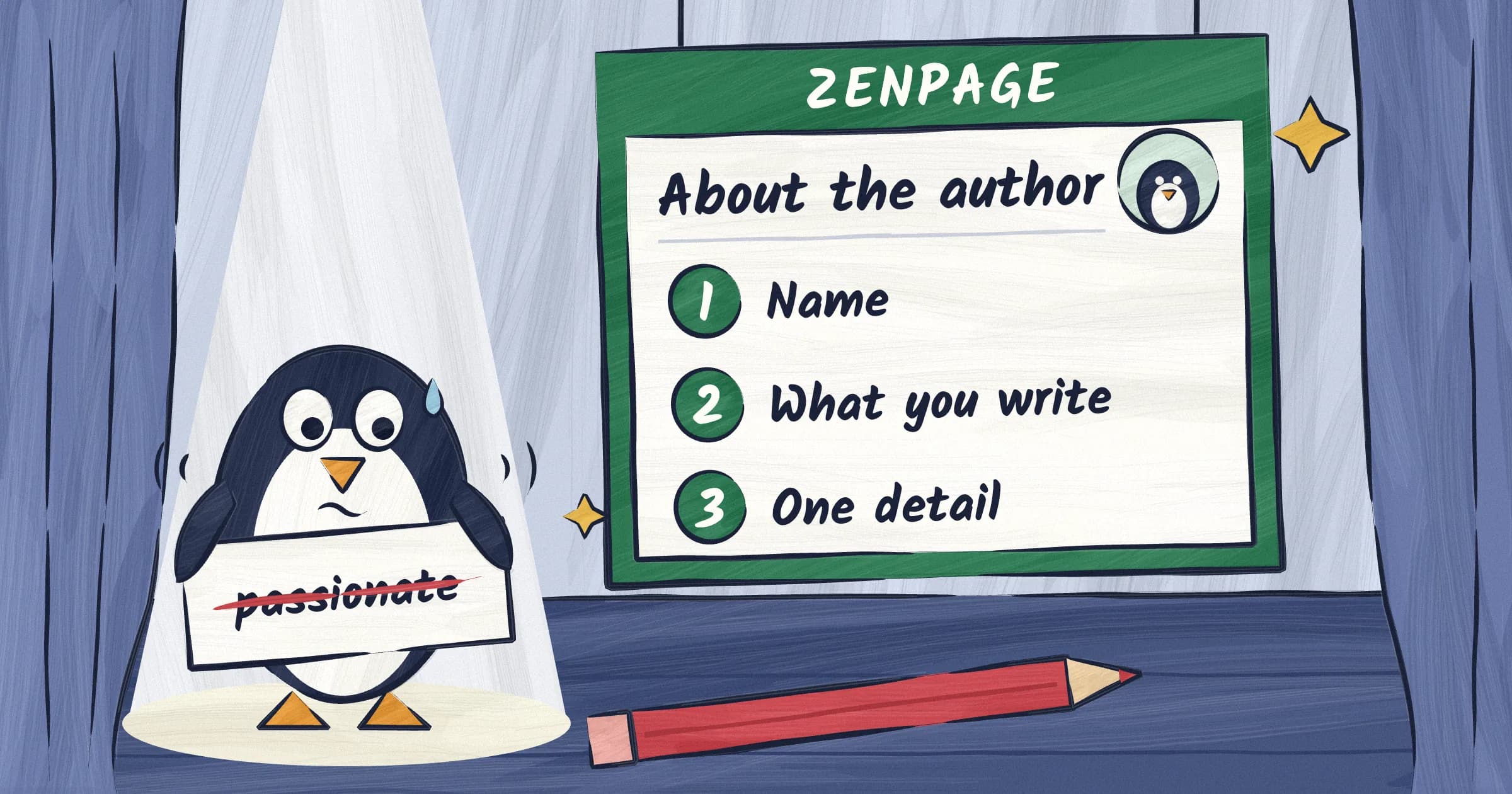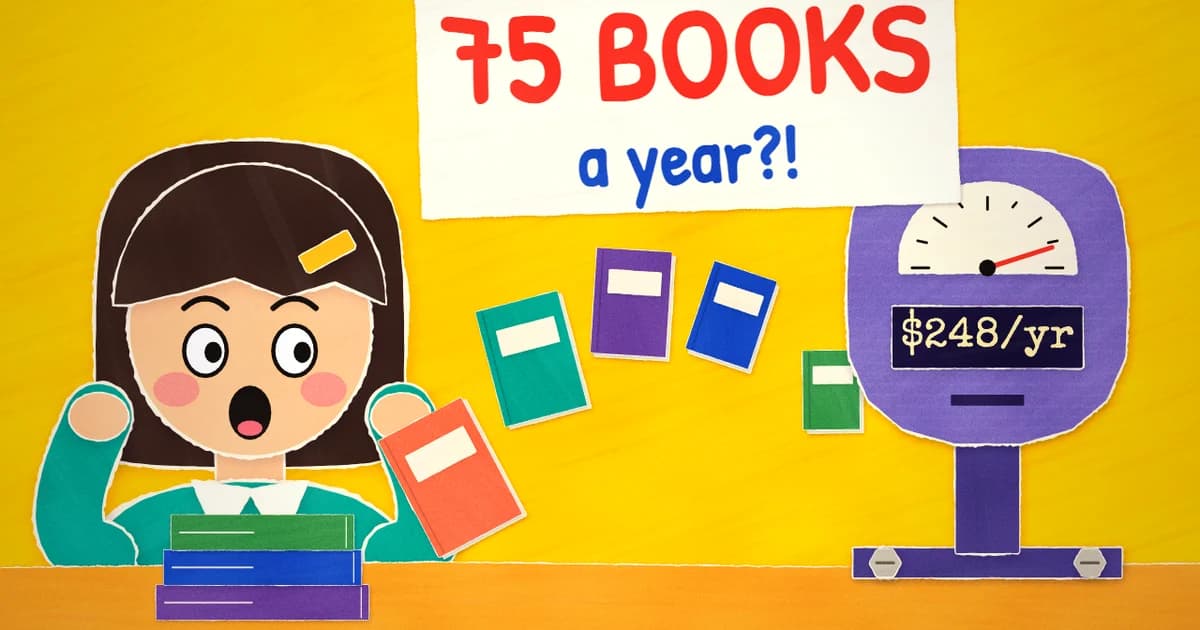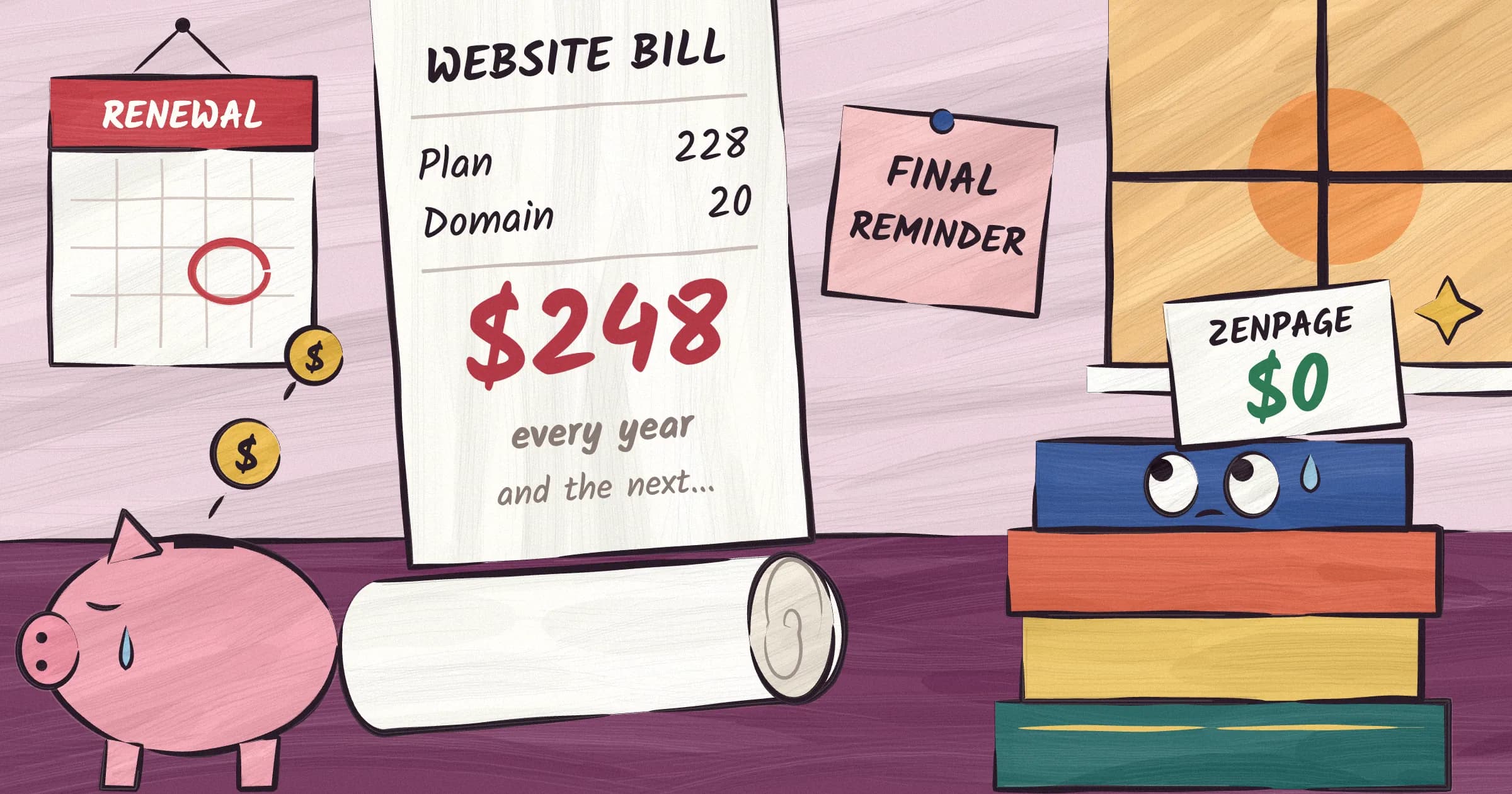
You spent three years writing a novel. Now you need three sentences about yourself for your author website, and you have been staring at a blinking cursor for a week. This is normal. Writing books and writing marketing copy about your books are different skills, and most authors only signed up for the first one.
That second skill is the one job AI is genuinely suited for. Not writing your books. Writing the words around your books: the bio, the About page, the blurbs, the tagline under your name. This guide walks you through all of it, with prompts you can copy and paste, written for people who have never touched a chatbot in their life.
One promise before we start. If you follow all seven steps, including the last one, nobody will read your website and smell a robot. The AI drafts. You decide. That division of labor is the entire method.
What AI can and can't do for your author website
AI is good at first drafts, and first drafts are exactly where authors get stuck when the subject is themselves. The machine does not get embarrassed. It will cheerfully write about how interesting you are, which is precisely the thing you cannot do. It is also good at giving you options to choose from, and at cutting a bloated paragraph in half without complaint.
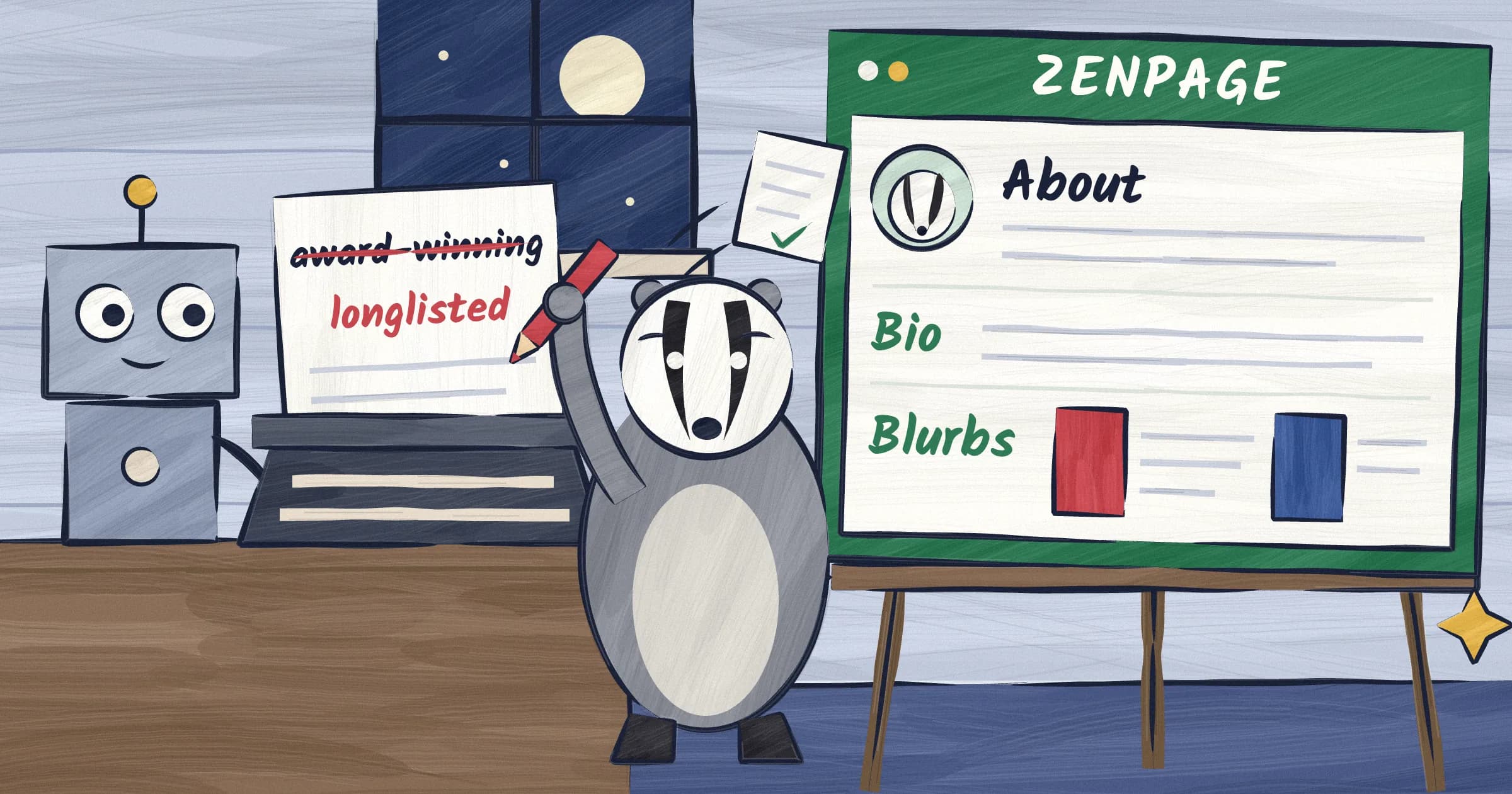
It is bad at facts. AI systems make things up, routinely and with total confidence. Left unsupervised, one will quietly upgrade you from "longlisted" to "award-winning" or invent a review you never received. Every specific claim it produces gets checked by you before it goes anywhere near your website. That happens in step 7, and it is not optional.
It is also bad at sounding like a person. Its default voice is the cheerful, overcaffeinated tone of a thriller jacket, and it uses that voice for everyone. The fix is the planning conversation in step 2 and the writing sample trick in step 3.
One more warning: it will flatter you. These tools are built to be agreeable, so it will call your premise fascinating and your career remarkable. It says that to everyone. You are here for drafts, not validation.
Pick a chatbot: ChatGPT, Claude, or Gemini
A chatbot is a website with a text box. You type or paste something in, press Enter, and it answers. You reply, it answers again, and it remembers everything said earlier in that conversation. That is the entire skill required for this guide.
The three big names are ChatGPT, Claude, and Google Gemini. All three have free versions that are more than enough for this job. All three run in your normal web browser with nothing to install, and all three have free phone apps, though copying and pasting is much easier on a computer.
Which one should you pick? For writing website copy, it genuinely does not matter. The differences that obsess people on the internet will not change your bio. Pick one and stay with it for the whole guide.
A few practical notes before you start:
- Create a free account. An email address is enough, and none of them ask for a credit card. An account saves your conversations in a list on the left side of the screen, and this guide depends on coming back to the same conversation.
- Pasting a long prompt is safe. Nothing gets sent until you press Enter.
- Free versions limit how many messages you can send every few hours. This whole guide fits within those limits, but if you hit one mid-step, come back later, click your conversation in the sidebar, and carry on where you left off.
- If a reply stops mid-sentence, type "continue" and it will.
Step 1: gather your raw material
Before you open the chatbot, spend fifteen minutes with a blank document or a piece of paper. You are collecting facts, not writing. Get down:
- Every book: title, genre, two sentences about what happens, and the existing blurb if one exists. For novels, include how the story ends. The AI needs to know what counts as a spoiler so it can avoid one.
- Real credentials only, with exact names and years. Awards you actually won, lists you actually made, outlets that actually covered you. If you are fuzzy on the details, look them up now.
- Your current bio, if you have one, even if you hate it.
- Three or four personal details. Your town, your dog, your day job, your former life as a paramedic, your unreasonable opinion about tea.
- Your readers. Who they are, and anything real ones have said, in their words. Dig out a review or a reader email if you can.
- What you are working on now.
Fragments and messy notes are fine. The point is a pile of true facts. The AI supplies the arrangement. You supply the truth. Keep those two jobs separate and everything downstream works.
Step 2: the planning conversation
Here is where most people go wrong. They open a chatbot, type "write me an author bio," and get back something beige. Of course they do. The machine knows nothing about them, so it writes about a generic author, and generic is the one thing your website cannot afford to be. Sounding interchangeable is high on our list of author website mistakes for a reason.
So you do not start by asking for copy. You start with a conversation where the AI interviews you, and together you land on an angle. An angle is the one idea that ties you and your books together. "The emergency nurse who writes medical thrillers." "Small-town mysteries with a warm heart." Every piece of copy on your site will hang off it. To see what a strong angle looks like in practice, browse the author websites we tell every writer to study.
Paste this in to begin:
You are a book marketing expert helping me plan the words for my author
website. I am the author. I want the site to sound like me, not like an ad.

Interview me before writing anything. Ask one question at a time and wait
for my answer before asking the next. Ask about my books, why I write what
I write, who reads it, and what I want a stranger to feel when they land
on my site. Plain questions, no marketing jargon.

After eight to ten questions, stop and offer me three different angles for
my website. An angle is one clear idea that ties me and my books together,
like "the emergency nurse who writes medical thrillers" or "small-town
mysteries with a warm heart." For each angle, give me a one-sentence
summary and an example opening line for my About page.

Then ask which angle I want. Do not write any website copy until I choose.

Here is my raw material:
[paste everything from step 1 here]
It will start asking questions. Answer the way you would text a friend. Typos are fine. So is "I don't know." Nobody sees this conversation but you. A question might look like this:
What do readers say they love about your books, in their words rather than yours?
And a perfectly good answer looks like this:
one review said she read it in one sitting on a plane. my sister says the dialogue is funny. that's honestly all i've got
That answer contains two usable facts, and the AI will find both. You do not need to be articulate here. Being articulate is the machine's half of the deal.
If a question misses the point, say "skip that one, ask me something else." When the three angles arrive, react honestly. The right one usually feels slightly too bold and also true, the "that's a bit much, but it is me" reaction. If all three feel like someone else, say exactly that: "These sound like a different author. The second is closest, but I'm not really dark, more sad and funny at the same time. Give me three more." It will not sulk, which is one of the underrated advantages of doing this with software instead of a consultant.
Once you have picked, lock it in:
I choose angle [number]. Turn everything from this conversation into a
content brief I can reuse. Include: who I am, what I write, who my readers
are, the angle we chose, five words that describe my tone, the facts that
must appear on my website, and anything I want to avoid. Keep it under
300 words and make it self-contained, so it still works if I paste it
into a brand new conversation.
Copy the result into a document and save it. This brief is the most useful thing you will make today. You will still be pasting it into things years from now: guest posts, interview forms, that podcast questionnaire.
One practical rule for the rest of this guide: stay in this same conversation for steps 3 through 6. The AI remembers everything you have told it, but only inside this chat. If you ever start a fresh one, paste the brief in first.
Step 3: write your About page with AI
Your website needs two bios, not one, something we cover in detail in our guide to writing an author bio, and something Reedsy's bio guide tells authors too. The long one is first person and lives on your About page. The short one is third person and gets copied by strangers. Long one first:
Using the brief and everything you know from this conversation, write the
About page for my website. Rules:

- First person, like I am talking to one reader
- Three short paragraphs, 200 to 300 words in total
- Open with what I write and why, not where I was born
- Work in one or two personal details from my raw material
- Mention what I am working on now
- End with a low-pressure invitation to join my newsletter
- Do not use the words passionate, avid, lifelong, or journey
- Do not invent anything. If a fact is not in this conversation, it does
  not go in.

Write two different versions so I can compare.
Read both versions out loud and mark every sentence you would never say. Then push back, in plain English, as many times as you need:
- "Version two is closer. Cut it by a third and make the first sentence plainer."
- "Paragraph two sounds like a press release. Say it the way I would say it to a friend at dinner."
- "You called me award-winning. I have never won an award. Remove it, and do not add anything I did not tell you."
- "Give me five options for the last line only."
Then use the single most effective trick in this guide. Find a few paragraphs you wrote yourself in your natural voice: a newsletter, a blog post, a long email to a friend. Then:
Here are a few paragraphs I wrote myself:
[paste your writing sample]

Rewrite the About page in this voice. Keep every fact exactly the same.
This one move improves the result more than anything else you can do, because it replaces the machine's default voice with a sample of yours.
Step 4: the short bio
The short bio is the one podcast hosts read before your interview, event organizers print in flyers, and journalists paste into articles. It travels without you, so it has to stand on its own.
Now write my short bio. Third person, exactly three sentences: who I am
and my strongest credential, what I write, then one human detail. This is
the bio event organizers read out loud and journalists copy and paste, so
it has to work without me in the room. Keep it under 60 words. Give me
three versions, each with a different human detail.
Pick the one that sounds like a smart friend describing you to a stranger. Then use that same version everywhere: homepage, social profiles, the bottom of guest posts. Consistency is the point of a short bio.
Step 5: book blurbs that don't spoil the ending
A comforting fact before this step: most traditionally published authors never wrote their own back cover copy. Someone in the publisher's marketing department did. Getting help with your blurb is not cutting corners. It is the industry standard.
On length, Reedsy's blurb guide puts a typical blurb at 150 to 200 words. On a website, the lower end is better, and the first sentence does most of the work, because it is what shows up in previews and what skimmers read before deciding to stay.
Using the brief, write the description of my book [title] for my website.
Here is my rough summary, including how it ends, so you know what not to
give away:
[paste your summary from step 1]

Rules:
- 120 to 180 words
- The first sentence has to work on its own, because some visitors read
  nothing else
- Introduce the main character and the thing that goes wrong, then raise
  the stakes
- Reveal nothing that happens after the first third of the book
- No rhetorical questions and no "In a world where"
- Do not compare me to other authors unless I gave you the comparison
- End on the choice or the threat, not on a summary

Give me three versions with three different opening lines.
If you write nonfiction, swap the middle rules: tell it to name the problem your reader has, promise what they will know or be able to do by the last page, and give one line on why you are the person to write it.
Repeat for each book, in the same conversation. If the drafts drift into thriller-jacket language, say "Ban the words gripping, haunting, and unforgettable. Try again." It will comply, slightly chastened.
Once a blurb is done, the page it lives on takes seconds. You can add your books to Zenpage with one ISBN, and the cover and details come in automatically. The blurb is the only part that needed a human and a robot arguing for twenty minutes.
Step 6: taglines, newsletter lines, and the other small words
Websites need a handful of small phrases nobody thinks about until the box is empty. Get them all in one go:
Three more jobs, same brief, same voice:

1. Five options for a one-line tagline that sits under my name on my
   homepage. Twelve words or fewer each.
2. Three one-sentence invitations for my newsletter signup box. Each one
   should say what readers get and roughly how often.
3. One single-line bio for the bottom of every page: name, what I write,
   where I live.
To choose a tagline, say each option out loud right after your own name. Keep the one you can say without wincing. How the homepage around it should look is a job for our author website design guide. And if you are not sure which pages need words at all, our author website checklist covers the full list.
Step 7: the human pass
Everything up to here produced drafts. This step is what makes them yours, and it is the difference between copy that works and copy that gets your site quietly closed in four seconds.
Check every fact. Go line by line: titles, dates, places, awards, quotes. Inventing details is the signature failure of these tools, and it survives even direct instructions not to. If you cannot verify a claim, delete it. Nothing sinks an author's credibility like an award they did not win.
Read everything out loud. Any sentence you would not say to a person at dinner gets rewritten in words you would. The hostage test from our bio guide applies to every page: if it sounds like a statement read under duress, or its opposite, a press release read at gunpoint, rewrite it.
Delete the tells. Certain habits mark text as machine-written, and readers are getting better at spotting them. Wikipedia's editors maintain a whole catalog of the signs; these are the ones that show up most in author copy:
- The words delve, tapestry, testament, vibrant, and journey
- Openers like "In a world where"
- Lists of three, everywhere. AI adores them. One strong word beats three decorative ones.
- "It's not just a memoir, it's a meditation" constructions
- Long dashes scattered through every sentence
- Every book described as gripping, haunting, or unforgettable
Add one thing the machine could not know. The model of typewriter on your desk. The diner where you wrote chapter one. One true, specific detail per page is enough. Readers remember the true detail, not the polish.
Sleep on it. Come back tomorrow and reread everything for ten minutes. Fresh eyes catch borrowed sentences that tired eyes wave through.
After this pass, the question of whether AI wrote your copy stops making sense. It drafted. You wrote.
Common questions, answered
Will Google penalize my website for AI content?
No. Google said plainly in 2023 that it rewards "high-quality content, however it is produced," and its current documentation, last updated in December 2025, keeps that position. The warning it does make is about mass-generating pages with no value, which is spam. You are writing one bio and a handful of blurbs, not ten thousand pages. On the list of things that affect your ranking, this sits near the bottom. The basics in our author website SEO guide matter far more.
Do I have to tell anyone I used AI?
Not for your website. No such disclosure rule exists. The policy authors usually half-remember is Amazon KDP's content guideline, which requires disclosing AI-generated content in books published through KDP, and explicitly does not require disclosing AI-assisted content, meaning you wrote it and AI helped you edit. Your website copy is not part of your book, so neither category applies. One nuance worth knowing for future projects: KDP counts text drafted by AI as AI-generated even if you edited it heavily afterward.
Isn't this cheating?
Publishing houses have always had other people write authors' jacket copy and tidy their bios. You wrote the book. Accepting help with the advertisement for the book is how this industry has worked for a century. The only real sin is publishing the machine's inventions as fact, which is exactly what step 7 exists to prevent.
The words were the hard part
You now have an About page, a short bio, a blurb for every book, a tagline, and a newsletter line, all in your voice and all true. That is every word a good author website needs. Still wondering whether you need the website itself? We have opinions.
The rest is assembly. Pick one of the templates, paste your copy into the right boxes, add your books, publish. Zenpage is a free author website builder with no ads, built only for authors, and takes about fifteen minutes, most of which is choosing colors. The features page shows everything it handles so you never touch the technical side, and the pricing takes ten seconds to read.
The words are done. Give them somewhere to live.